3D Editable Text Effect: Dynamic Typography for Impactful Designs
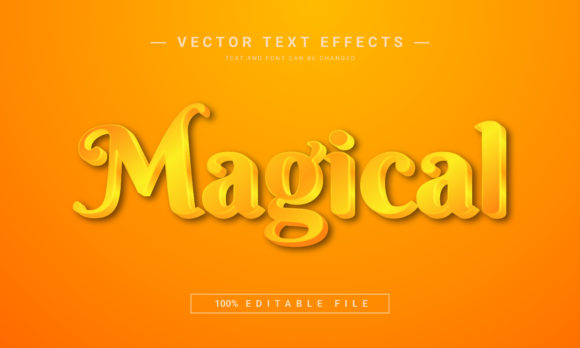
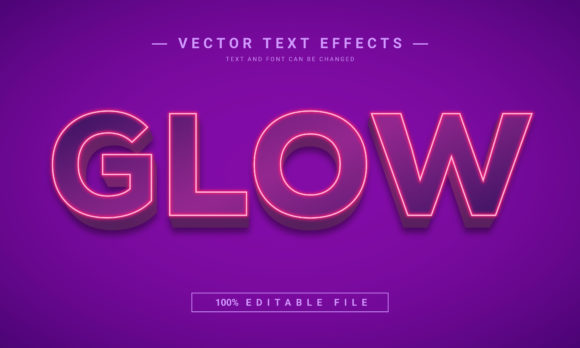
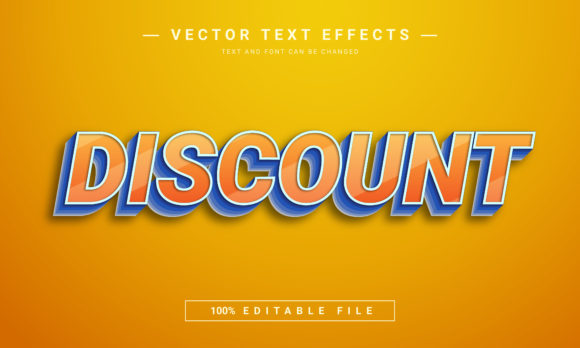
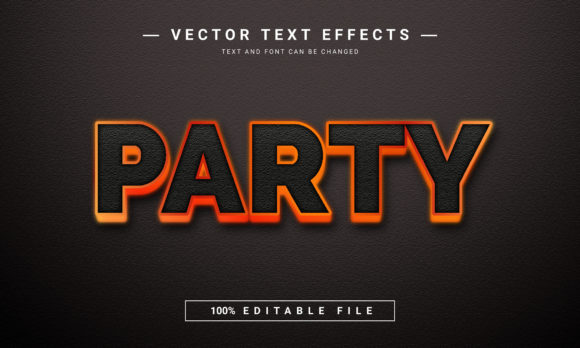
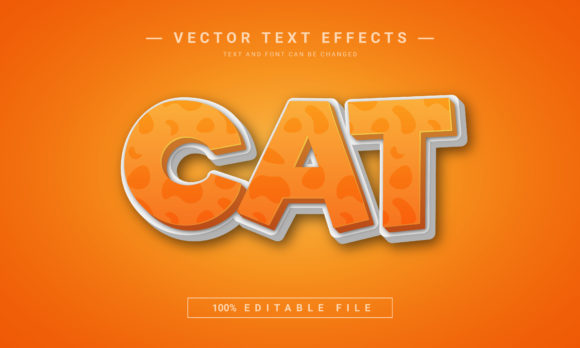
Capturing attention in a crowded digital space often comes down to one powerful visual element: typography. For designers seeking to add instant depth, dimension, and professional flair to their work, the 3D Editable Text Effect offers a compelling solution. This isn't a traditional font file, but a specialized Adobe Illustrator template that transforms standard text into stunning, three-dimensional letterforms with realistic lighting, shadows, and textures. It's a creative asset built for flexibility and immediate impact.
Designed specifically for Adobe Illustrator users, this effect provides a seamless workflow. You receive an EPS 10 file format that integrates directly into your existing projects. The core advantage is its 100% editable nature. Unlike a static image, you can modify the underlying text, adjust colors, tweak the 3D extrusion, and refine highlights to perfectly match your vision. The process is intuitive—simply edit the text using the Type tool, and the effect updates automatically. Because it's vector-based, your final design remains scalable to any size without loss of quality, making it ideal for everything from a small web icon to a large-format trade show banner.
Practical Applications for Dynamic Text
This 3D editable text effect shines in projects where text needs to be more than just words—it needs to be a focal point. Consider its use for:
- Logo and Brand Identity: Craft a unique, memorable logotype for gaming companies, tech startups, or entertainment brands that conveys innovation and power.
- Poster and Packaging Design: Create eye-catching headlines for event posters, product packaging, or book covers that demand a premium, tactile feel.
- Social Media Graphics and Web Design: Design scroll-stopping visuals for YouTube thumbnails, Instagram stories, or website hero sections that boost engagement.
- Merchandise and Editorial Layouts: Apply it to t-shirt designs, album art, or magazine spreads to add a layer of sophisticated, modern typography.
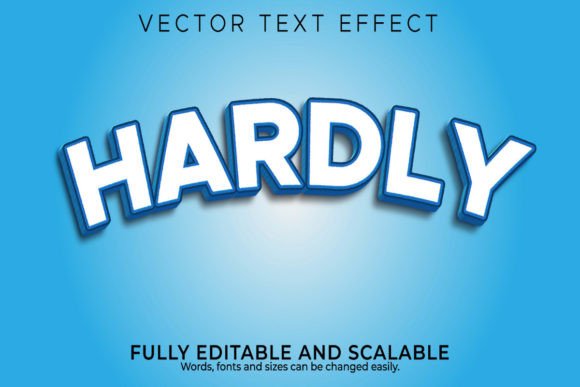
The effect is particularly useful for emulating styles like Hardly or Calligraphy with a three-dimensional twist, or for creating impactful Game over text for interactive media. It bridges the gap between a standard display font and a fully rendered graphic.
Tips for Choosing and Using This Effect
To get the most from this design asset, keep a few practical considerations in mind. First, always check readability at the intended size. While the effect is stunning, ensure the core message remains clear. Second, match the mood of your project. The lighting and texture of the 3D effect should complement your overall aesthetic, whether it's sleek and metallic or rustic and textured.
Effective font pairing is also key. A bold, dimensional headline pairs well with a clean, simple sans serif font for body text, creating a balanced hierarchy. Experiment with the color palette to align with your brand's identity or the project's theme. Finally, review the licensing to ensure it fits your intended use, whether for personal projects or commercial design assets.
Investing in a high-quality, creative font effect like this one is an investment in your design's professionalism. It elevates visual consistency, strengthens brand recognition, and delivers a polished presentation that standard text alone cannot achieve. By choosing tools that offer both power and flexibility, you empower yourself to produce work that truly stands out and communicates with compelling visual force.